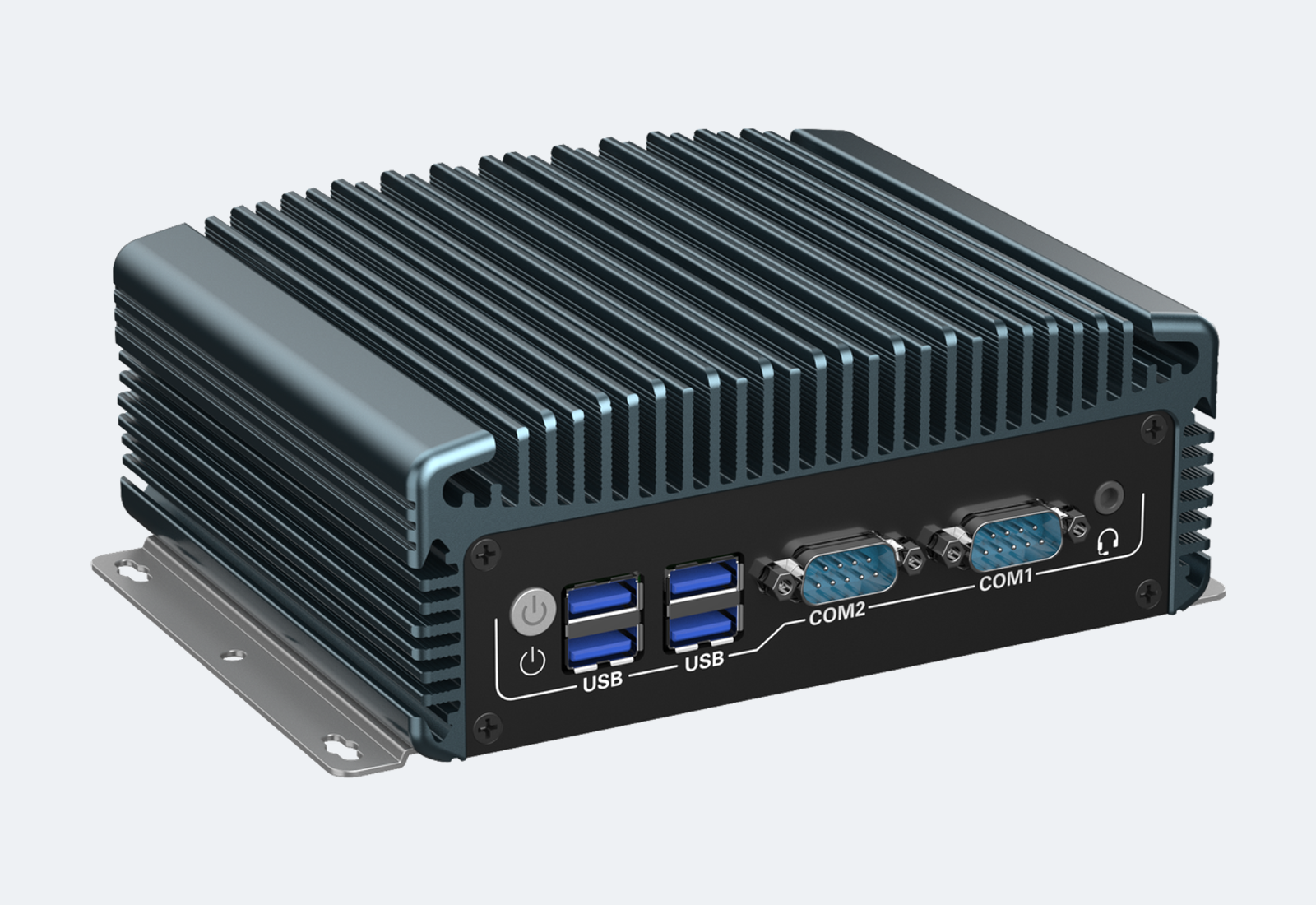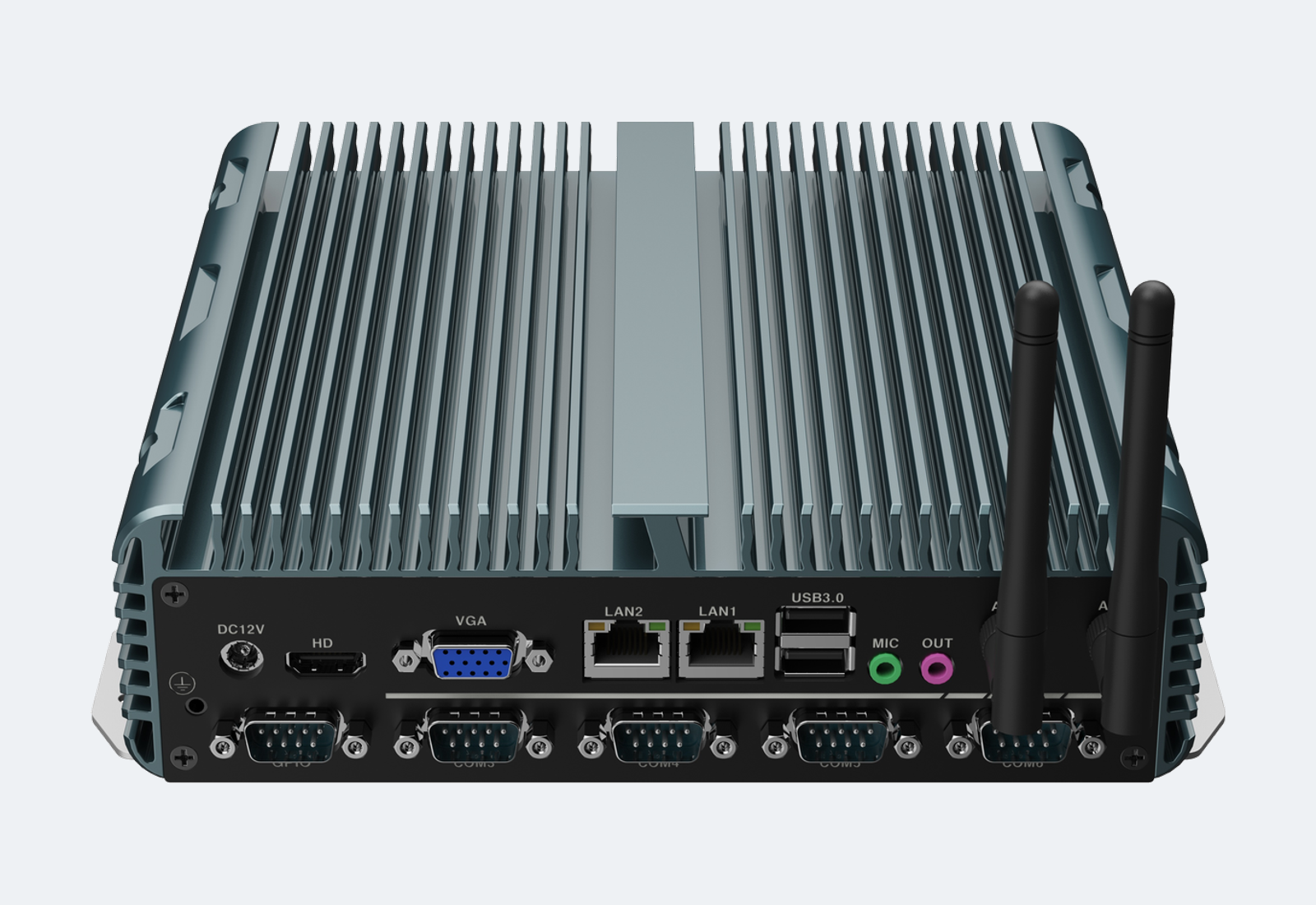
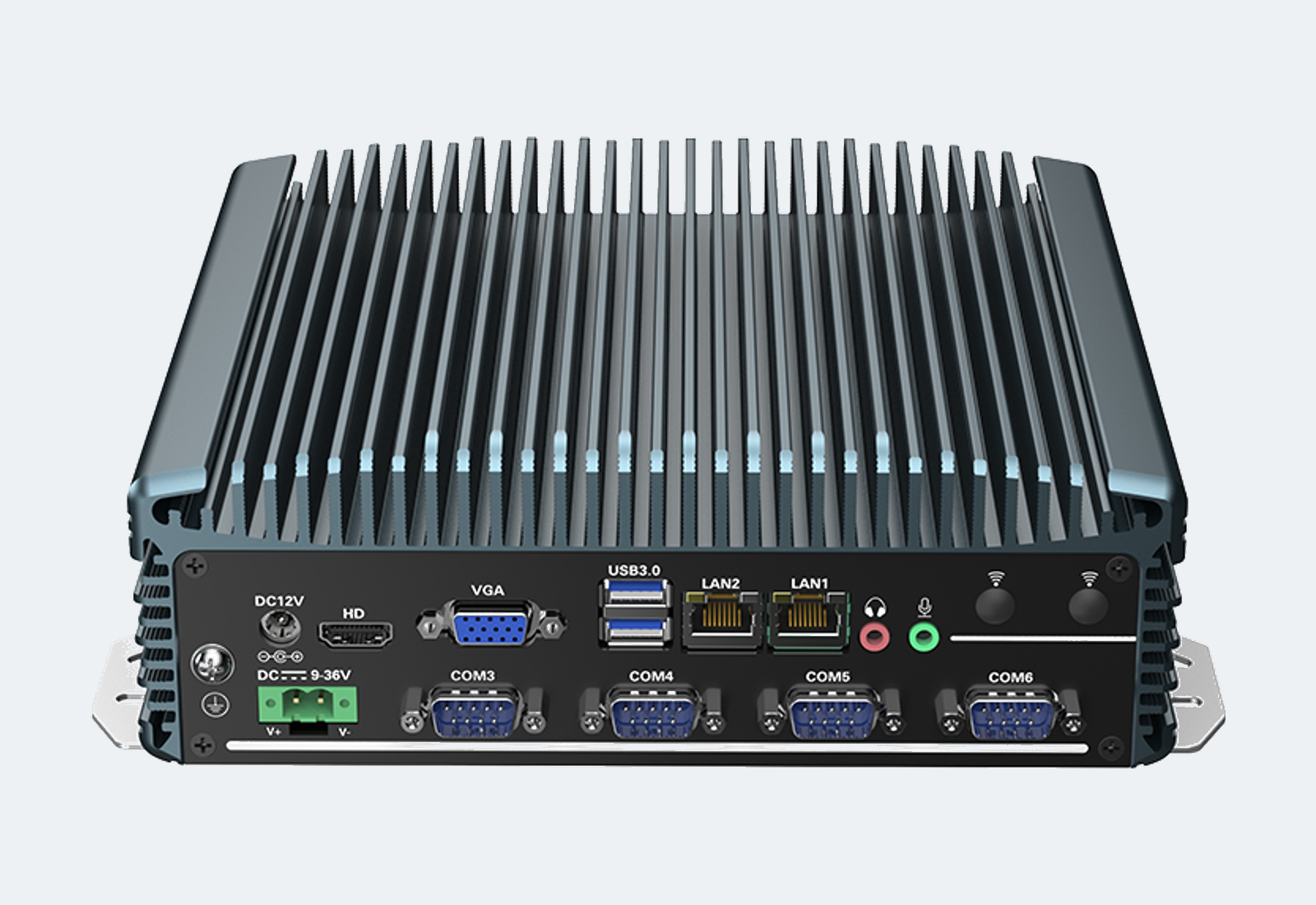
A fanless industrial PC is usually selected for a specific control cabinet, machine, gateway or inspection system. The best model is not always the highest-performance model. It is the system that can run the required workload, connect to the required devices, fit the installation space and stay available through the expected project lifecycle.
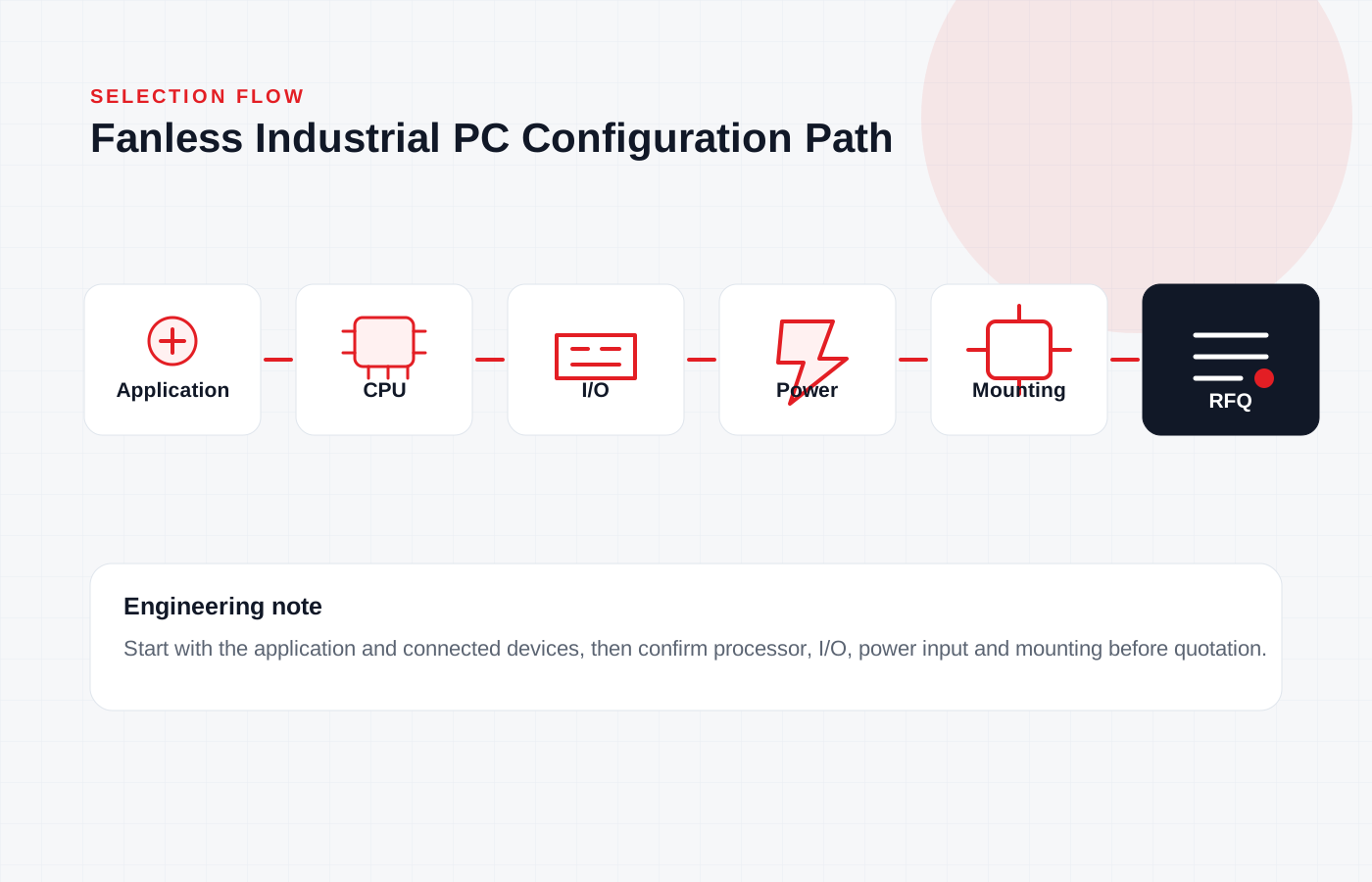
For automation projects, start with the application environment and I/O list before choosing the processor. This keeps the selection focused on the real integration risk: communication ports, power input, mounting, thermal margin and operating system compatibility.
1. Define the Workload Before Selecting the CPU
Light gateway, protocol conversion and HMI support may only need an efficient embedded processor. Machine vision, data logging or local edge processing may require a newer Intel platform with more memory, faster storage and better display support.
Avoid selecting the CPU only by generation name. Check whether the application needs sustained CPU load, hardware acceleration, dual display output, high-speed storage or long-term operating system support.
2. Confirm LAN, COM and USB Requirements Early
Most automation delays come from underestimated I/O. Count every PLC, barcode reader, camera, sensor gateway, display, USB peripheral and maintenance connection. Also confirm whether COM ports need RS232, RS485 or isolated serial interfaces.
If the system needs multiple network segments, machine vision cameras or firewall-style routing, choose a model with enough LAN ports from the beginning. USB hubs and external adapters may be acceptable for testing but are less ideal for production equipment.
3. Match Power Input and Thermal Design to the Cabinet
DC12V input is common for many compact systems. For field cabinets, vehicle-side systems or unstable power environments, a 9-36V wide-voltage option can reduce integration risk.
Fanless does not mean heat disappears. Confirm the enclosure material, mounting direction, air space around the heat sink and maximum ambient temperature. Leave margin for dust, closed cabinets and high summer temperatures.
4. Check Mounting, Service Access and Lifecycle
A suitable industrial PC should fit the available panel, DIN rail, wall or desktop installation method. Service access matters too: storage replacement, SIM card access, antenna routing and cable clearance should be checked before final drawings are frozen.
For batch equipment, confirm lifecycle supply, sample validation and documentation availability. A low-cost model can become expensive if it changes during a repeat order.
Buyer Checklist
- Application type: control, gateway, HMI, machine vision or data acquisition
- CPU and memory requirement under real workload
- LAN quantity and speed requirement
- COM quantity and serial mode requirement
- USB 2.0 / USB 3.0 requirement and cable length
- Display output: HDMI, VGA, DP or dual display
- Power input: DC12V or wide-voltage input
- Operating system: Windows, Linux or custom image
- Mounting method and cable clearance
- Sample test, aging test and lifecycle supply plan